Decoding the codecs

How to choose the best recording settings on the Nikon ZR for your work
What you’re filming will usually dictate the settings that you use on your camera. A quick social snippet will be different to a complex movie scene in challenging light. The starting point is to choose a codec to film in.
Codecs are algorithms that compress large files for storage and transfer, and then remake them for playback. They code and decode – hence codec. So that’s what they do, but which one to choose?
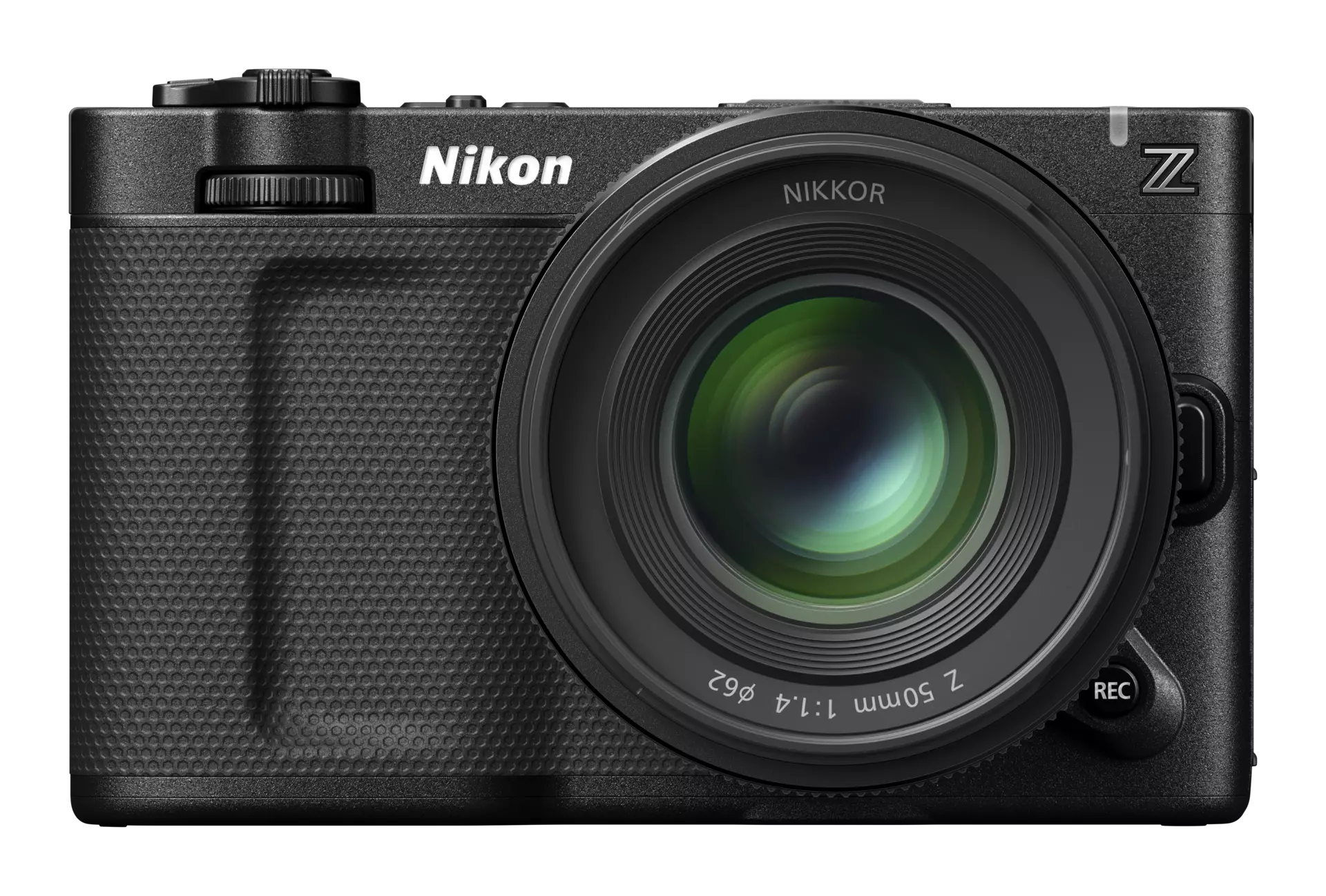
The Nikon ZR has a wide range of codecs available to film in, so here’s our quick guide to each.

What’s in our kitbag?
RAW codecs
These codecs bypass processing in-camera to record sensor data, which can then be edited later. White balance and ISO, for example, are not fixed and can be altered in post-production.
N-RAW 12-bit. Nikon’s own RAW video format. You can choose from SDR or N-log tone modes, giving you the ability to create either a ready-to-share workflow out of the camera with SDR or film with lots of dynamic range for future grading with N-log.
R3D NE 12-bit. This is a 12-bit version of the same codec used in RED cinema cameras, and the tone mode is fixed at Log3G10. This is where RED colour science lives in the Nikon ZR. You can also add non-destructive LUTs in camera so you can see what your final grading will look like as you film.
ProRes RAW HQ 12-bit. Apple’s version of RAW video, which can also be used with either SDR or N-log tone modes. In 6k this is limited to 30p frame rates. For shooting in 60p you’ll need to go down to 4k.
Intraframe codecs
Instead of recording all the sensor information, intraframe codecs compress each frame as an individual image. This means smaller file sizes than with RAW but at the expense of some grading capabilities.
ProRes 422 HQ 10-bit. Offers great colour fidelity while keeping the files smaller than RAW. It’s a balance between total control and fast workflow. You can choose either SDR or N-log tone modes. Again, in 6k this is limited to 30p frame rates. For shooting in 60p you’ll need to go down to 4k.
Standard codecs
These offer the smallest file sizes, which, of course, also means they retain the least data. However, they are also the most widely used online.
H.265 8-bit/10-bit. The 10-bit version of H.265 offers more flexibility for basic grading, plus the option of choosing SDR, N-log or HLG tone modes. Both are great for capturing 4k video while keeping file sizes relatively small.
H.264 8-bit. The perfect codec for fast turnaround work that requires no post-processing, such as quick social posts and vlogs.
Discover the ZR


Featured products
'%3e %3ccircle cx='453' cy='453' r='263' fill='%23FFDD00'/%3e %3c/g%3e %3cdefs%3e %3cfilter id='filter0_df_5839_100698' x='0' y='0' width='906' height='906' filterUnits='userSpaceOnUse' color-interpolation-filters='sRGB'%3e %3cfeFlood flood-opacity='0' result='BackgroundImageFix'/%3e %3cfeColorMatrix in='SourceAlpha' type='matrix' values='0 0 0 0 0 0 0 0 0 0 0 0 0 0 0 0 0 0 127 0' result='hardAlpha'/%3e %3cfeOffset dy='1.66516'/%3e %3cfeGaussianBlur stdDeviation='0.832579'/%3e %3cfeComposite in2='hardAlpha' operator='out'/%3e %3cfeColorMatrix type='matrix' values='0 0 0 0 0 0 0 0 0 0 0 0 0 0 0 0 0 0 0.25 0'/%3e %3cfeBlend mode='normal' in2='BackgroundImageFix' result='effect1_dropShadow_5839_100698'/%3e %3cfeBlend mode='normal' in='SourceGraphic' in2='effect1_dropShadow_5839_100698' result='shape'/%3e %3cfeGaussianBlur stdDeviation='95' result='effect2_foregroundBlur_5839_100698'/%3e %3c/filter%3e %3c/defs%3e %3c/svg%3e)
More in Video 101


Unlock greater creativity